

Steps
- Go to CanLii
2. In the first search field called “document text” enter in key words
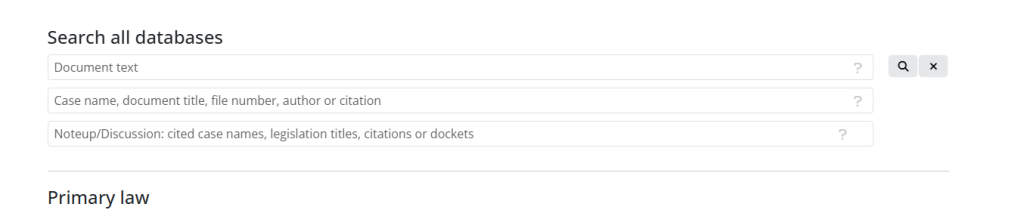
3. Enter your key words, for example: “accommodation” & “school” & “disability” & “high school” & “2024”
4. You will see a list of options. Pick on any case you like. Just take notice of which province it is and the year. We want to read the newest cases is possible.
5. Play around with different search words, and see what you can find. You can look at the cases history.
6. Click on the “treatment” tab area on the left, you can see if this case has been cited in other cases.
7. Click on the legal citations within the case that you are reading. There are often popular legal cases that are used again and again for key discrimination tests. If you are reading education cases they sometimes link other education cases and you can read those as well. Cases are often linked together.